Shit-Stealing Gnomes Controls & Handling Tips
Move quiet, grab clean, extract to the car without fighting your binds mid-chase.
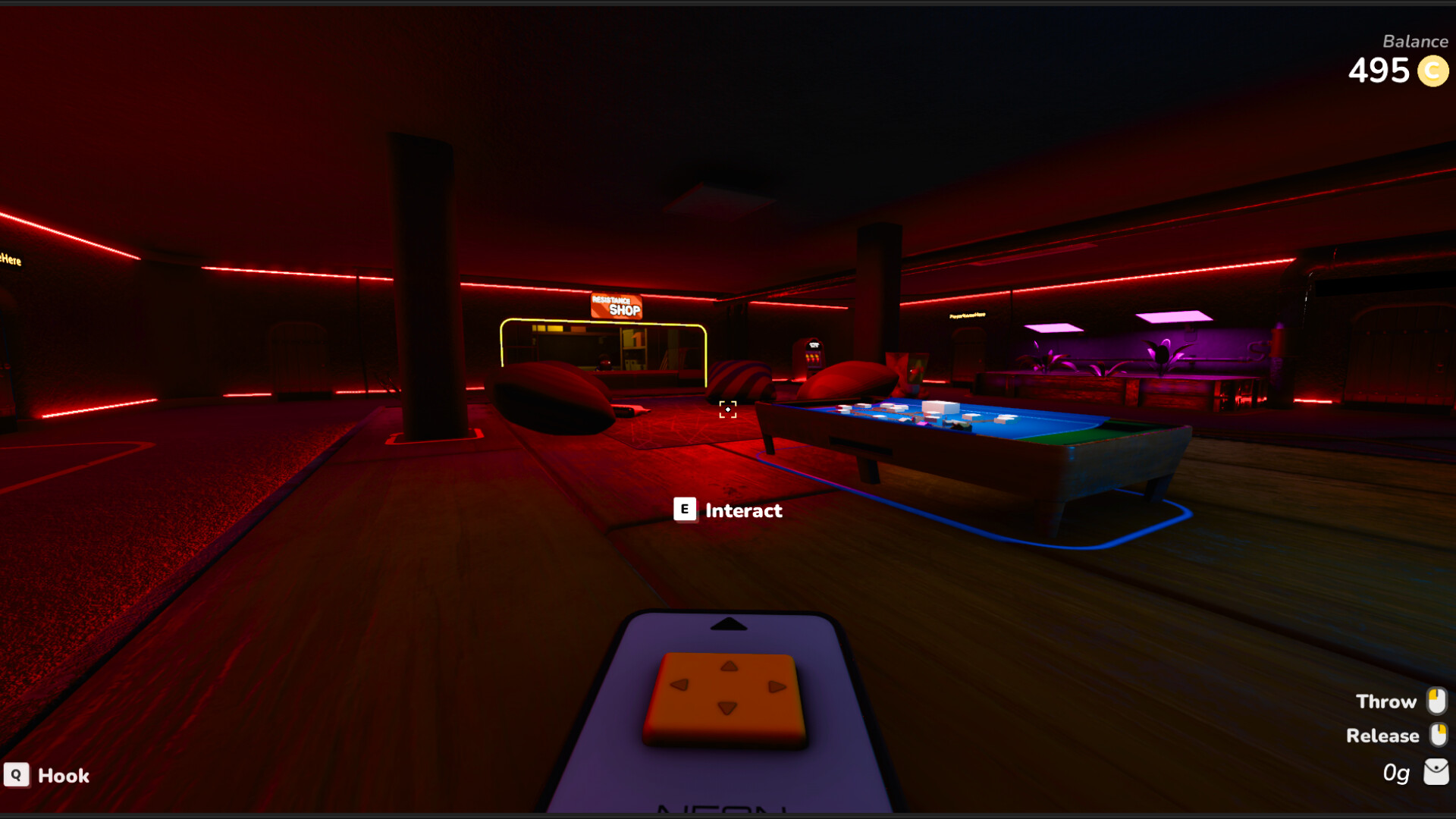
Good binds will not make a hooman ignore you, but bad binds will make you drop the To-Steal item in a doorway. This Controls page for Shit-Stealing Gnomes focuses on practical keyboard and partial-controller habits: movement, grab/carry, tool use, and treating the car as a hub you can operate under stress.
Steam lists partial controller support, so expect to tune pads. Always confirm your latest in-game options after a patch — especially if interaction tooltips change (the demo already fixed a window-open tooltip).
First five minutes in the options menu
- Set a comfortable mouse sensitivity for first-person scouting.
- Enable any camera comfort options you need.
- Test interact / grab / drop on a Hub prop before the first house.
- Confirm sprint and crouch-equivalent movement if available.
- If using a controller, verify aim and interact are not sharing painful chords.
Hardware readiness still starts on System Requirements.
Movement philosophy
You are a gnome. Camera height is a stealth feature. Practice:
- Slow approaches along furniture edges.
- Pre-aiming landings onto cushions, carpets, and cloth — soft surfaces remove fall damage.
- Turning with purpose before sprinting so you do not faceplant into physics piles.
- Stopping completely when a lookout calls “Hold.”
Movement tips connect directly to Stealth Tips.
Grab and carry fundamentals
Heists are inventory theater. Treat grab/carry like a reload mechanic:
- Interact deliberately; mash-clicking creates noise and misgrabs.
- Know your drop bind as well as your grab bind — panic drops should be intentional.
- Reorient large objects before doorways; do not discover width mid-frame.
- Never enter a contested stairwell while rotating a couch “to see if it fits.”
- Stage objects near the car instead of juggling them during alerts.
Carriers should read Team Roles so grab duty is not everyone’s side hobby.
Keyboard-focused tips
Keyboard and mouse shine for precise scouting and quick tool swaps:
- Keep interact adjacent to movement keys you already trust.
- Bind push-to-talk (if you use Discord) away from grab so callouts do not drop loot.
- Use a free side button for scoreboard/list checks if the game allows remaps — eyes up more often.
- Lower mouse accel experiments until tracking a hallway feels boringly stable.
Controller-focused tips
Partial support means you may mix input or remapping tools outside the game:
- Prefer face-button interact that does not conflict with camera reset habits.
- Increase deadzones if micro-sticks nudge props while you are “standing still.”
- Map a dedicated drop control; holding the same button for grab and drop under stress causes comedy tragedies.
- Test drone control affinity before Jeff’s House — aerial tools punish clumsy sticks.
If a friend cannot get a pad comfortable, loan them keyboard for scout duty on night one.
Car hub operations
On mission, the car is safehouse and tool rack. Mentally bind these habits to “returning home”:
- Approach the car with camera already checking flanks.
- Deposit loot before rearranging fashion.
- Use car-adjacent space as a staging square for drone handoffs.
- Do not invent new inventory Tetris rules while a chase is active.
Between missions, the social Hub is where you rebind, reassign roles, and shop. Loop structure: Demo Walkthrough.
Tools and interactables
Resistance gear adds control layers:
| Tool | Control focus |
|---|---|
| Wirecutters | Stable interact timing without spinning the camera |
| Assault ladders | Placement precision, then soft-exit planning |
| Drone | Short controlled flights; stow discipline |
| Windows/doors | Wait for tooltip clarity; do not spam |
| Keychains / small loot | Quick grab without breaking sprint lines |
Upgrade priorities remain on the Upgrades Tier List.
Co-op control hygiene
- Say when you are switching to drone so nobody assumes you are still lookout.
- Avoid identical custom binds that make coaching impossible.
- If one player struggles with carry physics, swap them to scout/lookout seats.
- Practice one silent extract where nobody talks except callouts — proves binds under calm.
Troubleshooting awkward handling
I keep dropping items: separate drop bind; slow the camera while carrying.
I miss window interactions: stop spamming; re-center crosshair; remember the tooltip fix exists because this was a common pain point.
Fall damage feels random: you are landing on hard surfaces. Aim for fabric. Patch context in Demo Patch Notes.
Controller aim drifts into props: raise deadzone; reduce gyro/accel add-ons if any.
Drone feels unusable: practice in a quiet house empty-handed first; assign a flex pilot.
Session checklist
- Options verified after any update.
- Grab/drop tested in Hub.
- Soft-landing route planned.
- Car approach plan spoken once.
- Roles assigned so binds match jobs.
Controls mastery is invisible when it works. Spend ten calm minutes now so Mad Veteran does not become a bind tutorial with traps. Then steal on purpose — list first, car always.
Frequently Asked Questions
Quick answers to the most common questions.
Does the game support controllers?
Steam lists partial controller support. Expect to tweak binds and deadzones; keyboard remains a safe default.
What should I practice before the first heist?
Grab, drop, and a soft fabric landing in a low-stakes space. Then follow Getting Started.
Why do I fumble at the car?
You are inventory juggling under stress. Stage loot, deposit first, fashion later.
Any tip for drone controls?
Keep flights short and assign one pilot. Long sightseeing tours get noticed by hoomans.
Where do team callouts fit with controls?
Keep push-to-talk off your grab key and use the lexicon in Team Roles.